


Using old drivers on your computer is like driving at night without functioning headlights: things may go wrong quickly. That’s why Driver Booster 13 is here. It promises to make your computer run cleaner, quicker, and more reliably. And even better, Techno360 readers can get a free 1 Year license for the pro version for a limited time.
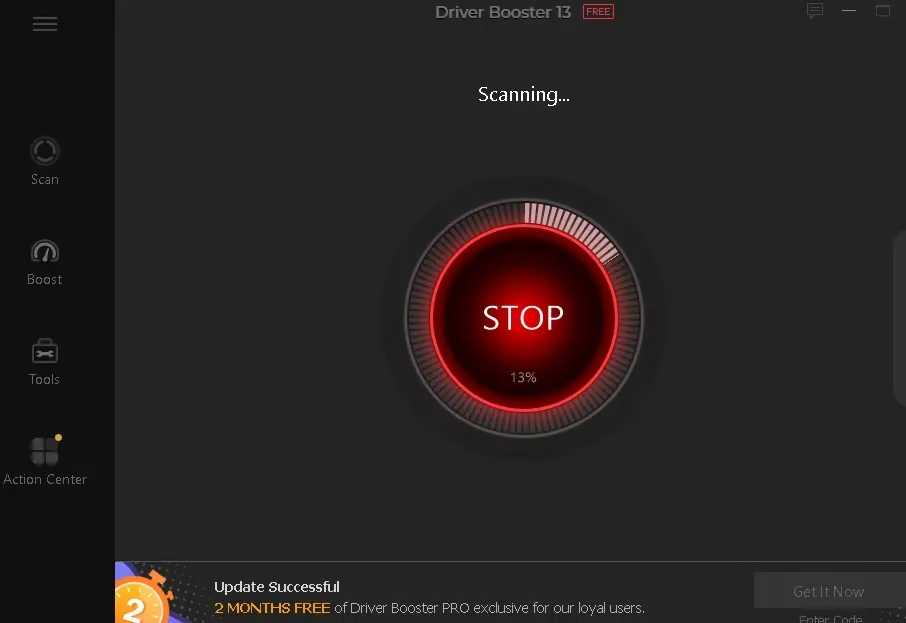
The software works with a lot of hardware (graphics cards, sound cards, network adapters, printers, etc.), is easy to use for people who aren’t tech-savvy, and has safety measures like driver backup and restoration.
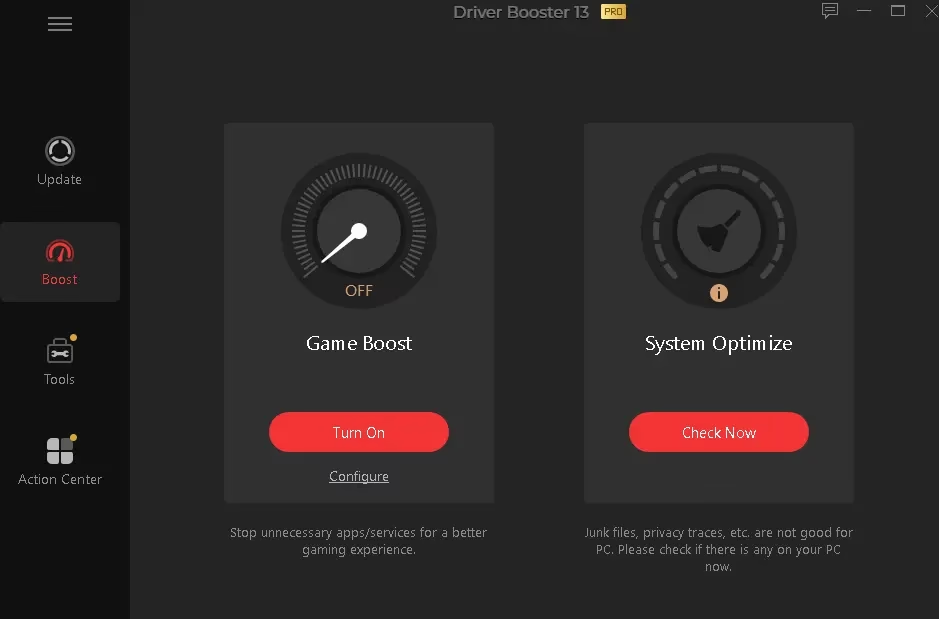
The app has gotten better since version 13. It now works better, has a new user interface, supports more hardware vendors, has better gameplay optimization (Game Boost), and has stronger driver validation and safety checks.

[Other Giveaway Keys—Still Working]
What is Driver Booster?
IObit’s Driver Booster is a Windows program that updates drivers on your computer. It looks for drivers that are out of date, missing, or broken, and then downloads and installs the right version.The software works with a lot of hardware (graphics cards, sound cards, network adapters, printers, etc.), is easy to use for people who aren’t tech-savvy, and has safety measures like driver backup and restoration.
The app has gotten better since version 13. It now works better, has a new user interface, supports more hardware vendors, has better gameplay optimization (Game Boost), and has stronger driver validation and safety checks.
Key Features of Driver Booster 13
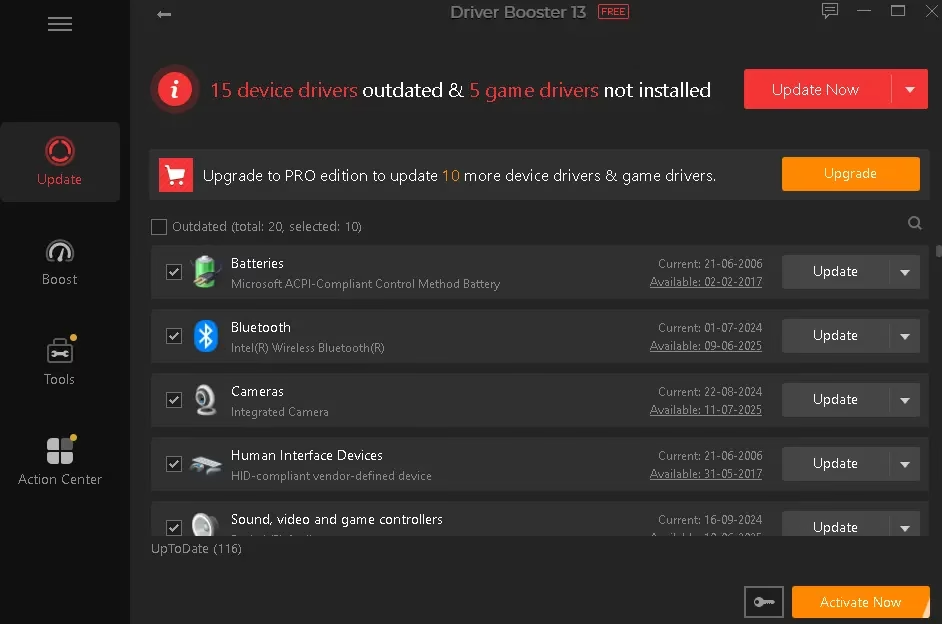
Here’s what makes this version worth installing:- A huge database of drivers—over a million drivers from hundreds of major hardware vendors.
- Auto-update/scheduled scan: The software can check and update drivers on its own, even when you’re not there.
- Game Ready and Performance Boost: Make graphics better, cut down on lag, and raise FPS. Ideal for gamers who require the latest GPU drivers.
- Fixes for common PC problems, such as no sound, a broken network, or display flaws.
- Updating drivers offline is a beneficial idea for new installations or systems with slow internet connections.
- Backup and Restore: If something goes wrong, you can go back to the old drivers.
 Giveaway: Free 1-Year License—Limited Offer
- Visit this giveaway page: https://ld.iobit.com/de/giveaway/db/
- Enter your email address and click the “Request license code” button.
- Next, check your inbox; you will receive a license code from “Iobit.”
- Download Driver Booster 13 using the official link: Driver Booster—IObit Official Download.
- Install the program.
- Open Driver Booster → Click the “Activate Now” button and select “Enter License.”
- Enter the license code.
[Other Giveaway Keys—Still Working]
License key: CF344-0BA8C-C3A82-28ABC (Expires On: Oct 21, 2026)
License key: CB102-E900A-4E404-808BC (Expires On: Sep 11, 2026)
License key: 35CC7-26959-D2E64-345BC (Expires On: Aug 23, 2026)